
Driver or tractor relay
Follow one movement through the outgoing driver, incoming driver, tractor assignment, device, dispatch, unassigned-driving review, edit history, and both drivers' certification tasks.
Dallas–Fort Worth fleet planning
Use this guide to test an ELD across the actual Dallas–Fort Worth relay, route mix, vehicle assignment, driver workflow, and back-office controls. It does not promise a local office, installer, price, inventory, or service level.
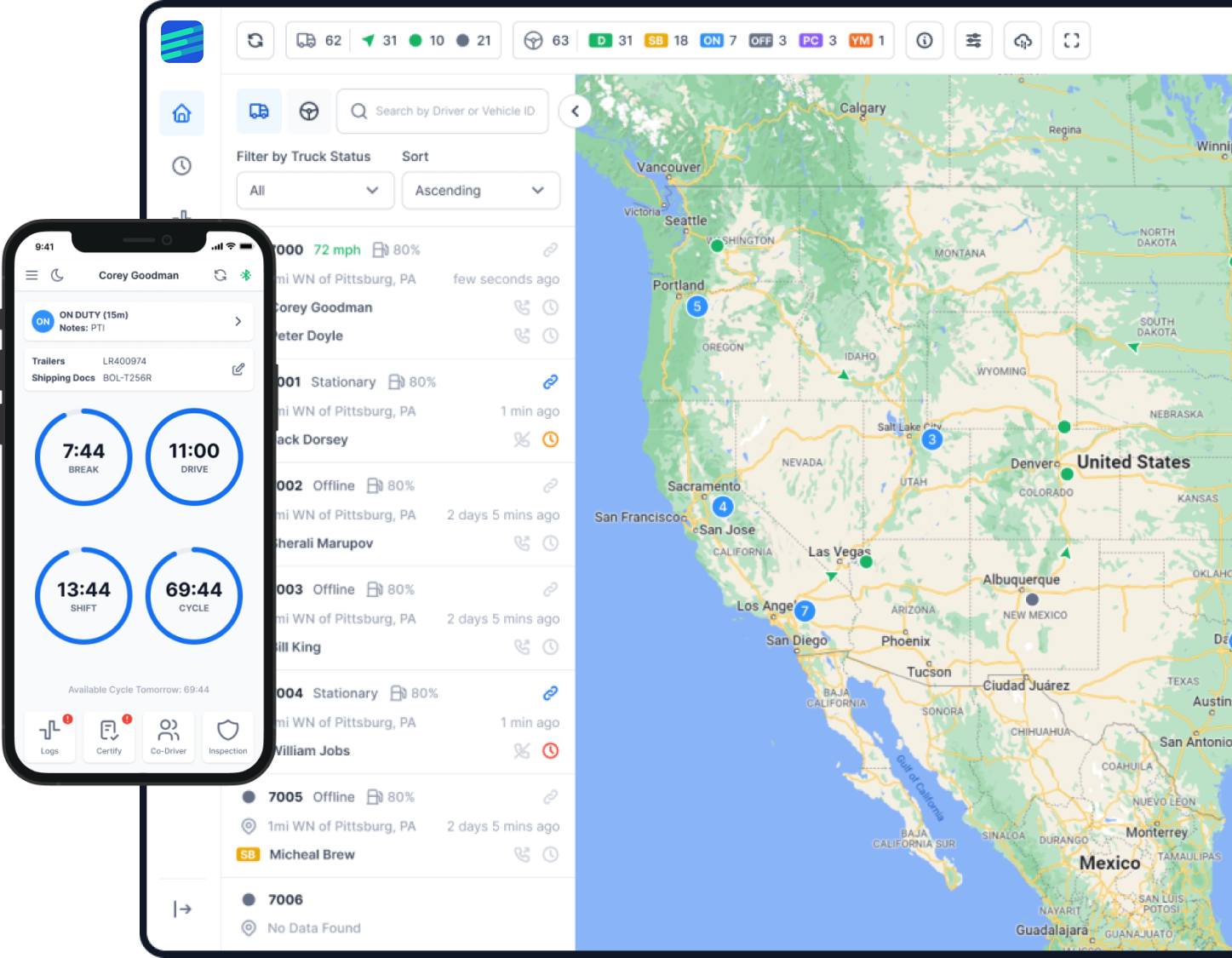
Follow the operation across handoffs
The North Central Texas Council of Governments publishes regional freight-system planning information. Use that source to choose a representative freight pattern, then verify current state and local route or access requirements for the exact vehicle and trip.
A Dallas–Fort Worth test should follow identity and responsibility through the day: driver account, vehicle assignment, relay or terminal handoff, dispatch update, non-driving work, unidentified movement review, and certification. Every change should remain visible in the original record and audit history.
If the fleet mixes local, regional, and interstate work, build an applicability matrix by driver, vehicle, trip, commerce, jurisdiction, RODS duty, and claimed exception. Do not configure one exception or record method for the whole fleet from a business label.
Administrator controls belong in the acceptance test. Verify roles, access to location and log data, edit and unassigned-driving permissions, exports, integration recipients, retention, account revocation, and access after any provider change.
Decision checklist
Test the same identity, route, record, and administrator controls across every candidate system.
| Check | Evidence to keep |
|---|---|
| Map routes and rule scope | Keep origin, destination, vehicle, driver, commerce, jurisdiction, route authority, RODS duty, exception facts, reviewer, and decision. |
| Control every relay | Retain driver logins, vehicle assignments, handoff times, automatic events, unassigned-driving review, edits, annotations, and certifications. |
| Verify device and vehicle combinations | Match FMCSA registration to hardware and software, then test every connector or cable family, phone/OS, engine data, and movement event. |
| Test administrator boundaries | Export roles and permissions, complete edit and assignment tasks, revoke a test account, map integrations, and save pass/fail evidence. |
| Prove inspection and record access | Complete roadside transfer or display, save the receipt, export a date range, trace audit history, and match supporting documents. |
Representative operations
Follow one movement through the outgoing driver, incoming driver, tractor assignment, device, dispatch, unassigned-driving review, edit history, and both drivers' certification tasks.
Sample local, regional, and interstate work. Keep a separate applicability decision for each operation and confirm the configured workflow does not silently apply one exception to all drivers.
Create a limited test role, review what it can see and change, export the access list, revoke the account, and verify sessions, integrations, and downloaded records are handled as planned.
Export a required date range with originals and audit history, test independent access, record account ownership, and confirm the written terms for retention and post-cancellation access before signing.
Controlled rollout
The pilot should prove driver identity, vehicle assignment, rule scope, administrator boundaries, and record portability before expansion.
List drivers, trucks, terminals or customers, routes, jurisdictions, work events, possible exceptions, and the office users involved.
Record registry result, ELD hardware and software, device serial, truck/VIN, cable, phones and OS, accounts, roles, integrations, and policy version.
Complete login, assignment, relay, statuses, edits, unassigned-driving review, certification, offline recovery, roadside transfer, and malfunction fallback.
Test permissions, account revocation, integration ownership, exact date-range export, audit-history trace, and supporting-document retrieval.
Assign and retest defects, preserve closure evidence, and obtain a written go, hold, or reject decision tied to the tested hardware, software, vehicles, and roles.
Terminology and limits
Factor ELD uses the phrase FMCSA approved.
FMCSA describes ELDs on its official list as self-certified by their manufacturers and states that listing is not an agency endorsement. Verify the exact device name, hardware model, software version, registration ID, and current status before deployment.
This Dallas–Fort Worth guide does not decide route legality, permits, ELD applicability, HOS, an exception, or provider serviceability. Verify the current source and exact operation before changing policy.
Primary sources
Reviewed August 10, 2026. Each source supports only the scope stated beside it. Recheck dynamic facts before dispatch or deployment.
Common questions
No. It makes no local-office, installer, inventory, price, service-area, response-time, or service-level claim. Obtain current written commercial and service information directly.
Relays expose identity, account, vehicle-assignment, unassigned-driving, edit, certification, and administrator-review risks that a single-driver demonstration can miss.
Not by default. Determine applicability by the exact driver, vehicle, trip, commerce, jurisdiction, day, and current provision. Keep the evidence behind each configured workflow.
No. The list contains devices self-certified by manufacturers, and FMCSA states that listing is not endorsement. Match the exact hardware and software and check current status.
Test roles, access, edits, unassigned-driving assignment, exports, integrations, credential revocation, retention, and record access after a provider change or account closure.
Next step
Bring the trucks, drivers, handoff, route mix, phones, administrator roles, integration and export needs, and rule questions. Factor ELD can demonstrate current behavior while the fleet owns applicability.